
Build A Racetrack Updates & Patch Tracking
Stay current on Fun² Games changes without fake changelog fiction.
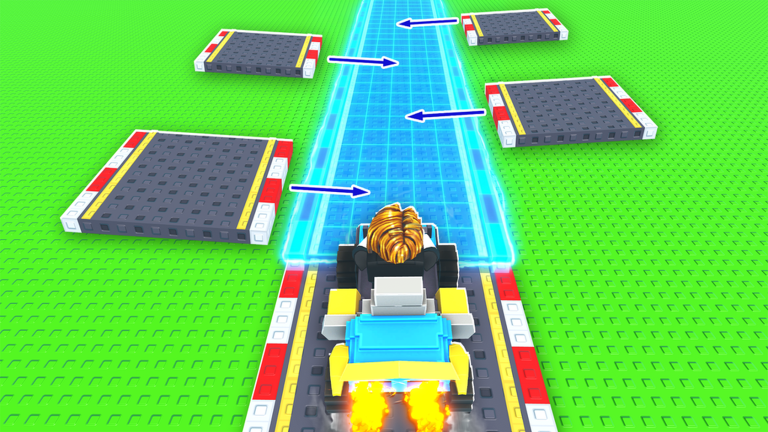
Build A Racetrack by Fun² Games launched on 2025-11-02 and saw strong attention into late 2025 and November 2026, with concurrent players often in the thousands and multi-million visits. When a tycoon is that active, shop prices, cars, pieces, and codes can shift. This Updates Hub explains how to verify what changed — we do not invent dated patch notes the studio never published.
Deep dive on verification habits: Patch Notes. For reward strings, always cross-check Codes.
Why tracking updates matters
- A car that was an S-tier buy last month might be repriced.
- New track pieces can change optimal layouts (Track Pieces).
- Codes appear in the Roblox description around milestones — stale lists spread clone-game codes by mistake.
- Executor scripts break immediately after anti-cheat or UI tweaks (Scripts).
If your personal wiki notes disagree with the live shop, trust the live shop.
Official places to check
- Roblox experience page — Build A Racetrack description, update timestamp, and screenshots.
- Creator group — Fun² Games shout and related experiences.
- In-game UI — shop contents, Codes button behavior, tutorial prompts after a client update.
- This wiki — Official Links, Patch Notes, and refreshed guides after confirmed changes.
Bookmark the place ID 95221040467077 / universe 9089939780 so search does not send you to a clone.
What we will and will not publish
| We publish | We avoid |
|---|---|
| How to read Roblox “Updated” timestamps | Fabricated bullet changelogs with fake dates |
| Confirmed code changes (e.g., RELEASE) | Mixing Finish Line Studio-style codes into this game |
| Guidance to re-test tracks after physics tweaks | Rumors without in-game evidence |
| Links to guides affected by economy changes | “Leaked” update promises |
After any patch — 10-minute checklist
- Confirm you joined the Fun² Games place.
- Note whether RELEASE or new codes appear in the description; redeem via How to Redeem.
- Open the car shop; compare cash-per-lap style value to Cars Tier List.
- Drive your main circuit once; fix broken jumps before long AFK plans (How to Build a Track).
- Skim How to Earn Money if payouts feel different.
Cadence expectations
Popular Roblox tycoons often ship frequent small tweaks rather than dated Steam-style patch blogs. Fun² Games activity around the 2026 surge means you should expect intermittent description edits and balance changes without a formal patch archive. Use Roblox’s own “Updated” field as the source of truth, then translate that into gameplay checks.
Related reading
- Getting Started — re-orient after big UI changes
- Tier List Hub — re-rank purchases
- Tools — session checklists that still apply post-patch
Stay skeptical of third-party “update” slideshows. Verify on Roblox, test in a 6-player server, then adjust your build and car plan.
Frequently Asked Questions
Quick answers to the most common Build A Racetrack questions.
Where does Fun² Games post updates?
Primarily on the Roblox experience page (description and Updated timestamp) and the Fun² Games group. In-game shop and UI changes are the final proof.
Why are there no fake dated changelogs here?
Inventing patch bullets misleads players. We document how to verify live changes and only list confirmed facts like the RELEASE code.
What should I do after the game updates?
Rejoin the official place, check codes, test-drive your track, and re-check car prices before big purchases.
Do updates break scripts?
Often yes. Any client exploit tends to break after UI or security changes. Prefer legitimate progression guides.