
Build A Racetrack Players, Controls & Sessions
How inputs, server size, and shared tracks shape every session.
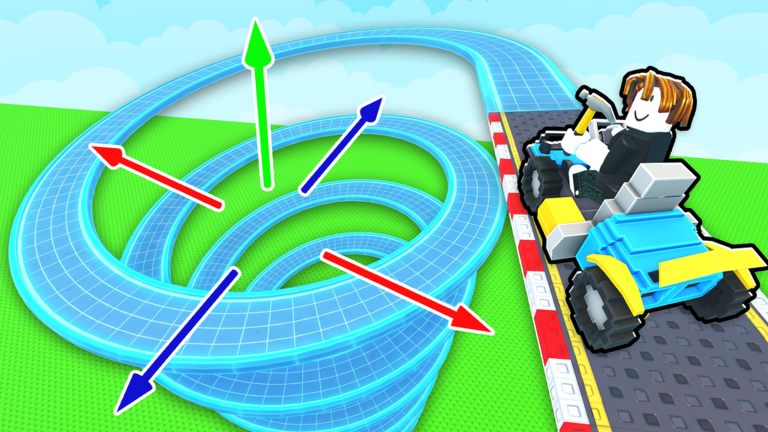
The Players Hub covers how humans actually move through Build A Racetrack: controls, UI landmarks, and the 6-player server social layer. Fun² Games built a Simulation / Tycoon loop that is solo-friendly, but peer tracks are a major cash channel — knowing how sessions work makes you faster without scripts.
Detailed keybinds and touch layouts live on Controls. Pair this hub with Getting Started if you have not finished a first lap yet.
Session size and what it means
Each server caps at 6 players. That small population has design consequences:
- You will repeatedly see the same neighbors’ courses in a sitting.
- Visiting another plot is low friction — use it when your own track is mid-rebuild.
- Grief potential is limited compared to huge servers, but a messy public jump can still waste your time; leave and try another player’s layout.
- Voice chat is not the focus of this experience; coordination is mostly “drive what looks complete.”
Online multiplayer here means shared world presence and raceable peer tracks, not competitive ranked lobbies.
Controls snapshot
| Platform | Movement / drive | Camera / UI |
|---|---|---|
| PC | WASD / arrow keys; vehicle controls as prompted | Mouse look; click Codes and shop buttons |
| Mobile | On-screen stick and action buttons | Pinch/drag camera; tap UI icons |
| Console | Left stick drive/move; face buttons for UI confirms | Right stick camera; use Roblox console cursor/UI |
Exact prompts can vary slightly after patches — always follow in-game tutorial callouts. Full map: Controls.
UI habits that save minutes
- Codes first — Redeem RELEASE once per account via the Codes UI (How to Redeem).
- Shop with intent — Know whether you are buying pieces or a car before opening menus (Cash Checklist).
- Test drive often — After placing loops or jumps, drive immediately so you do not brick the only income path.
- Claim offline cash when you rejoin so the number is visible before you spend.
Playing with others
Good multiplayer etiquette in a 6-player tycoon:
- Race complete-looking tracks; skip unfinished spaghetti that launches cars into the void.
- Do not rely on strangers to fix your layout — rebuild local problem pieces yourself (How to Build a Track).
- If someone builds a banger course, lap it for cash while you save for the next car (How to Earn Money).
- Remember clones exist; if controls or code UI differ wildly, you may be in the wrong place (Official Links).
Progression tips tied to players
- Short sessions: Extend a safe loop, cash out a few laps, buy one upgrade, log off for offline ticks.
- Long sessions: Alternate build bursts with peer-track farming so cash stays liquid.
- Group play with friends: Join the same server when possible, but keep individual plots raceable so nobody is stuck waiting.
Car priority still follows earnings value — Tier List and Upgrade Cars. Scripts are optional and risky — Scripts Hub and Script Safety.
Accessibility and comfort
- Lower graphic settings if jumps stutter on older devices; physics hitches cause false “bad track” reads.
- On mobile, shift UI scale in Roblox settings if Codes or shop buttons are hard to tap.
- Take breaks — the offline system exists so you do not need to grind twelve hours straight.
This hub is your controls and session overview. Open Controls next for the deeper UI map, then return to building with fewer misclicks.
Frequently Asked Questions
Quick answers to the most common Build A Racetrack questions.
How many players are in a Build A Racetrack server?
Server size is 6 players. You will see a small set of peer tracks each session.
Is the game co-op?
It is online multiplayer: you share a server and can race other players’ tracks. Each player still builds and upgrades their own progression.
Where are full PC and mobile controls listed?
See the Controls page under this hub for platform inputs and UI landmarks.
Can I play on console?
Yes via Roblox on console. Use stick driving and the console-friendly UI cursor to hit Codes and shop buttons.