
Codes
Active Build A Racetrack Roblox codes for Fun2 Games: RELEASE for 5,000 Cash still tracked in November 2026 with clear clone warnings.
View all CodesRoblox codes, car tiers, and track build guides.
Unofficial Build A Racetrack Roblox wiki for codes, car tiers, track builds, and cash guides to grow your plot and race earnings faster.
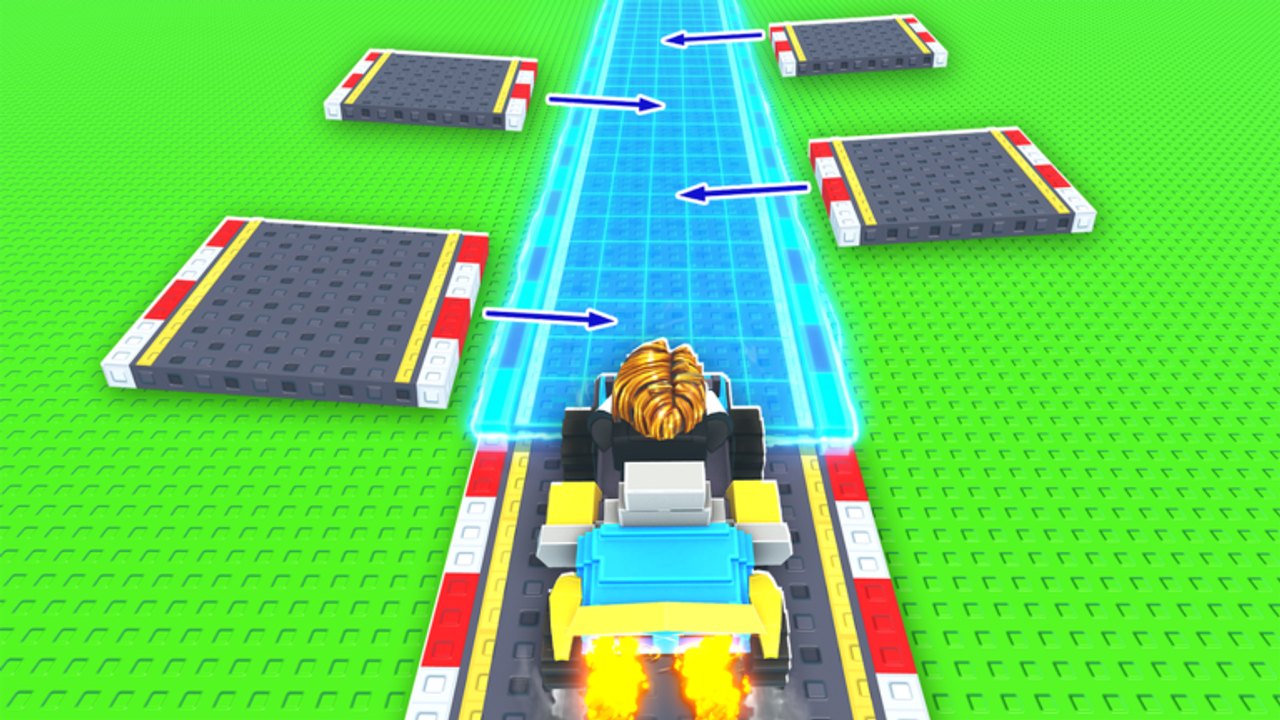
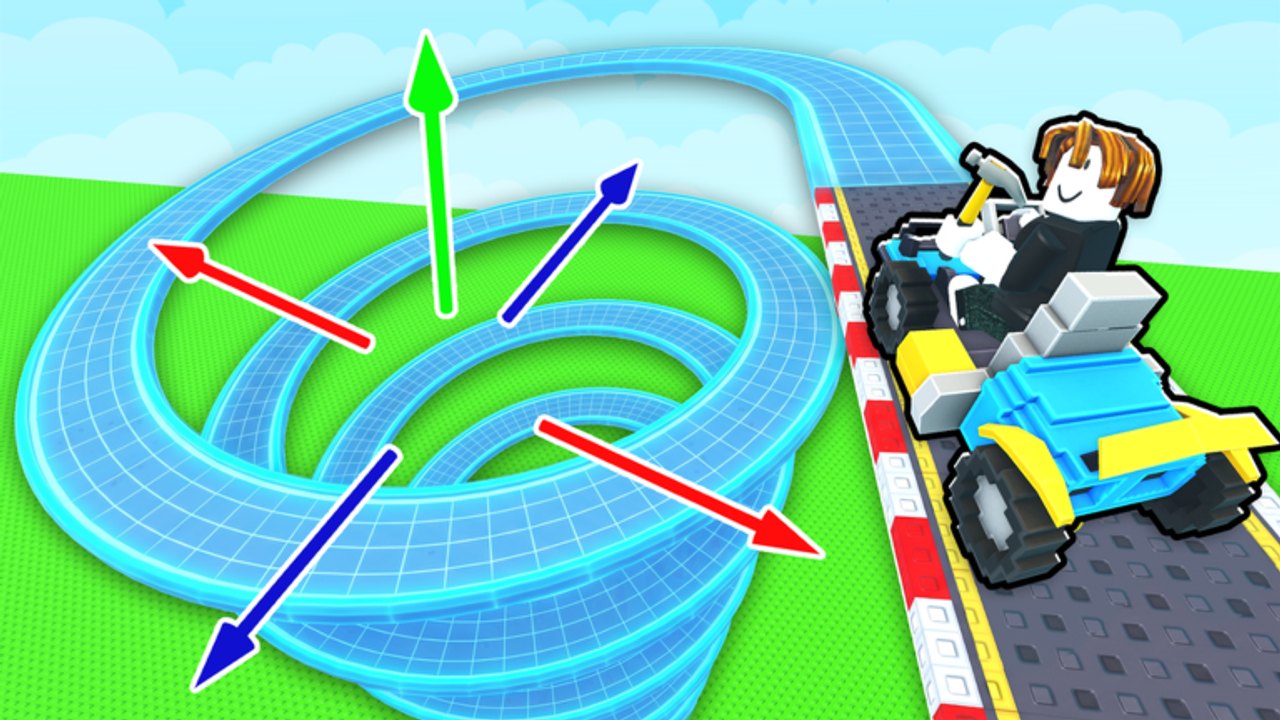
Build A Racetrack by Fun² Games is a Roblox tycoon where you buy track pieces—turns, loops, and jumps—design a custom course on your plot, then race for cash. Drive your own layout or visit another player's track, spend earnings on better cars, and keep collecting while offline. Start with the getting started guide, redeem codes like RELEASE for 5,000 Cash, compare cars on the tier list, then dig into how to earn money and how to build a track so every lap pays more.
Active Build A Racetrack Roblox codes for Fun2 Games: RELEASE for 5,000 Cash still tracked in November 2026 with clear clone warnings.
View all CodesBuild A Racetrack guides hub covering getting started, track building, earning cash, offline earnings, visiting tracks, cars, and FAQ.
View all GuidesBuild A Racetrack tier list hub for cars and progression value: what to buy first for stronger cash per lap gains.
View all Tier ListBuild A Racetrack players hub covering controls, 6-player sessions, UI habits, and co-op racing tips for all platforms.
View all ControlsBuild A Racetrack updates hub explaining how to track Fun2 Games patches, new codes, and live shop changes safely.
View all UpdatesBuild A Racetrack scripts hub covering feature types players want, executor risks, and honesty without fake loadstrings.
View all ScriptsBuild A Racetrack tools hub with first-hour checklist, cash goals, and track quality checks for every session.
View all ToolsOfficial Build A Racetrack links for the Fun2 Games Roblox page, creator group, and trusted wiki resource hubs.
View all LinksOpen Build A Racetrack on Roblox, claim a free plot, and follow the getting started guide so you know where the shop, codes menu, and race start are before you spend cash.
Grab active codes right away—RELEASE awards 5,000 Cash—then use that boost on early track pieces instead of grinding your first few races empty-handed.
Buy turns, straights, loops, and jumps, then connect a clean lap with how to build a track. A short, finishable course beats a flashy layout that cars cannot complete.
Drive your track or visit others to earn cash, then follow how to earn money, visiting other tracks, and upgrade cars. Check the tier list before big purchases so each car upgrade raises payouts.
Review controls, use the cash checklist between sessions, watch updates for new pieces or codes, and only use scripts if you understand the risks on Roblox.
Quick answers to the most common Build A Racetrack questions.
Build A Racetrack by Fun² Games is a free tycoon where you buy track pieces, design a custom course, race for cash, upgrade cars, and collect offline earnings. Start with the getting started guide.
Active codes change over time. RELEASE has rewarded 5,000 Cash. See the live list on the codes page and redeem each code once from the in-game Codes menu.
Finish raceable laps, visit other players' tracks, upgrade to higher-payout cars, and let offline earnings tick while you are away. Full routes are in how to earn money and the cash checklist.
Keep the first layout short and completable: connect pieces so cars can finish every lap, then add loops and jumps. Step-by-step advice is in how to build a track.
Prioritize cars that raise cash per race over looks alone. Compare options on the tier list and follow upgrade cars before spending a big bankroll.
Yes. Your racetrack keeps generating cash when you leave, so a solid layout plus a stronger car improves both online races and offline income. Details are in offline earnings and how to earn money.
No. buildaracetrack.wiki is an unofficial fan resource. Confirm codes and patch notes through Fun² Games and the official Roblox experience page, and check our updates hub for community summaries.
This wiki supports: English, Français, Deutsch, Español, Português (BR). Configure locales in site.meta.json and run npm run generate:i18n.
From first pieces to better cars and offline cash, our guides cover the full loop. Start with the getting started guide, claim codes, or open the car tier list.
Start with the beginner guide