
How to Build a Racetrack
Design a course that cars can finish — then add loops and jumps with intent.
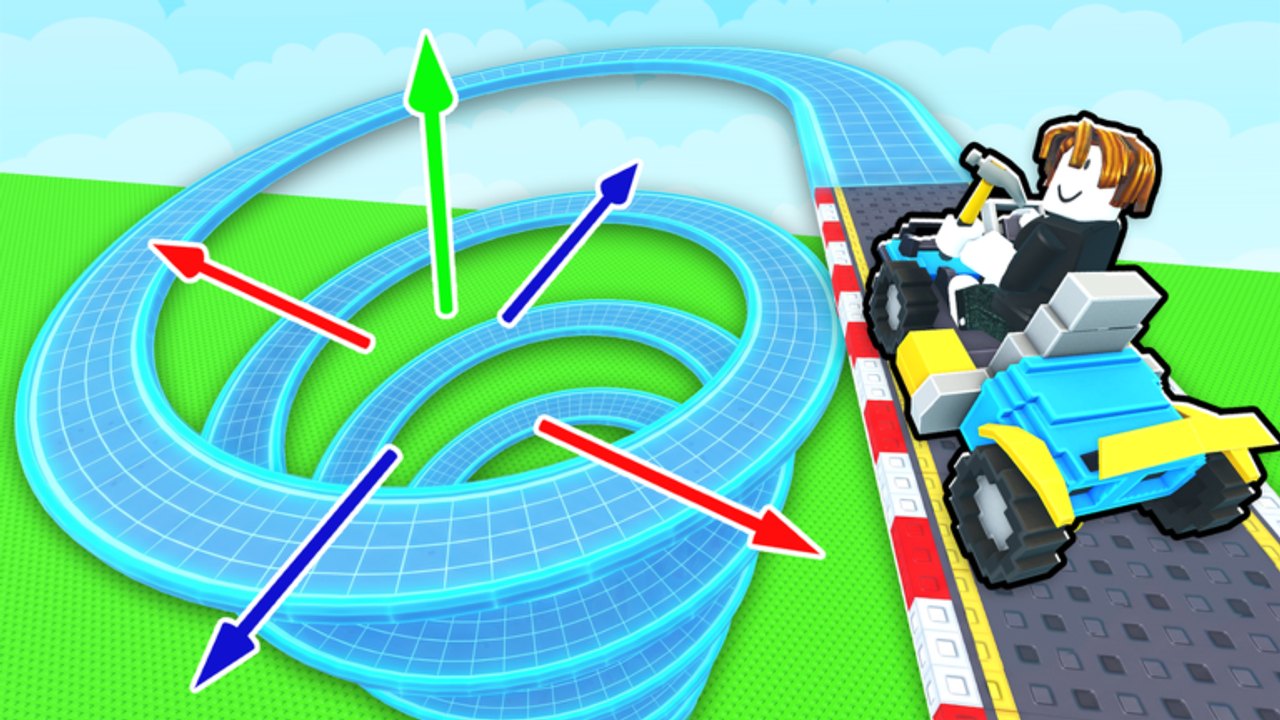
Building is the identity of Build A Racetrack. Fun² Games lets you buy pieces, snap together turns, loops, and jumps, then prove the layout by driving it for cash. A beautiful track that cannot be finished is worthless; a humble oval that prints money funds every upgrade. This guide focuses on layout process, testing discipline, and when to add spectacle.
Piece encyclopedia: Track Pieces. Economy context: How to Earn Money. First-hour framing: Getting Started.
Design goals (in order)
- Completable — starter cars can finish without luck.
- Repeatable — two laps in a row without babysitting resets.
- Readable — visiting players in a 6-person server can understand the line.
- Upgradeable — space to extend without deleting the income core.
- Fun — loops and jumps as seasoning after the meal exists.
If you invert that list, you will rebuild constantly and starve car purchases (Upgrade Cars).
Step-by-step build method
1. Stake a micro loop
Place the minimum straights and turns to return to start. Drive it. If it fails, fix before buying anything exotic. Redeem RELEASE early if you still need cash — Codes.
2. Smooth the line
Widen awkward kinks, remove surprise hairpins that stall low-speed cars, and keep elevation changes gentle at first. Every fix should be validated with a lap, not eyeballing from build camera alone.
3. Add length in modules
Extend with another straight-and-turn module rather than one giant improvisation. Modular growth makes debugging easier when a new segment breaks flow.
4. Introduce one feature piece
Add a single loop or jump. Retest. If the car cannot enter with enough speed, add a longer approach straight or lower the challenge. Do not stack three new features in one edit.
5. Peer test
Drive a neighbor’s track, then ask whether yours feels fair. Watch how others fail your jump — that is free QA in a 6-player server (Players).
6. Lock a “safe core”
Keep a known-good subsection you can fall back to if experimental wings fail. Offline earnings depend on leaving a working main course (How to Earn Money).
Turns, loops, and jumps in practice
| Piece role | Build tip | Failure sign |
|---|---|---|
| Turns | Bank difficulty gradually; avoid instant 180s early | Cars scrub speed and stop mid-corner |
| Loops | Long approach; clear exit | Mid-loop stall or exit into void |
| Jumps | Landable deck; match height to car power | Chronic undershoot / overshoot |
Detailed behaviors and budgeting: Track Pieces.
Testing checklist (run after every major edit)
- Launch from start without clipping
- Survive all turns at normal accel
- Clear optional loop with margin
- Land jump on track surface
- Cross finish / complete circuit logic your game expects
- Repeat immediately for lap two
- Still have cash buffer for emergency repairs (Cash Checklist)
Layout patterns that work early
- Compact oval — fastest path to income.
- Out-and-back with wide U-turns — easy to extend.
- Figure ideas only after speed exists — crossing paths confuse drivers and cameras.
- Single hero jump — memorable without bricking completion rates.
Avoid maze energy. Visitors will bounce, and you will too when grinding cash.
Budgeting pieces vs cars
Every piece purchase competes with the next car’s cash-per-lap boost. Heuristic:
- Broken or incomplete track → pieces win
- Stable track + slow income → car wins (Cars Tier List)
- Stable track + healthy income → spend on quality-of-life features, then next car
Tools view: Tools Hub.
Recovery when a build goes wrong
- Remove the last feature that broke consistency.
- Re-establish a flat loop.
- Race peer tracks while you rebuild so progress continues.
- Re-add features one at a time.
Do not ego-save a cursed mega structure if it kills offline value.
Advanced polish (later sessions)
- Rhythm straights between stunts so players recover control
- Visual landmarks before big jumps (piece color/shape changes)
- Optional side routes only if the main line stays obvious
- Re-test after Fun² Games patches — physics or piece behavior can shift (Updates, Patch Notes)
Related watching and reading
The mid-article video shows real building footage for intuition. Pair it with Getting Started if you still need onboarding, and Controls if placement feels clumsy on your device.
Great tracks in Build A Racetrack are iterated, not manifested. Close the loop, prove two laps, then earn the right to show off.
Frequently Asked Questions
Quick answers to the most common Build A Racetrack questions.
What makes a good first track?
A short closed circuit of straights and turns that you can finish twice without resets. Add loops and jumps only after that works.
Why do my jumps keep failing?
Usually insufficient approach speed, landing too high or short, or stacking stunts before the car upgrade. Simplify and retest one jump.
Should I copy other players’ tracks?
Study them for pacing ideas, but rebuild with pieces you understand. Racing peer tracks is great for cash while you learn.
How often should I test drive?
After every meaningful edit — especially new loops or jumps — before you spend more cash.
Do I need a huge track to earn well?
No. A reliable small course plus a better car often outperforms a giant broken layout.